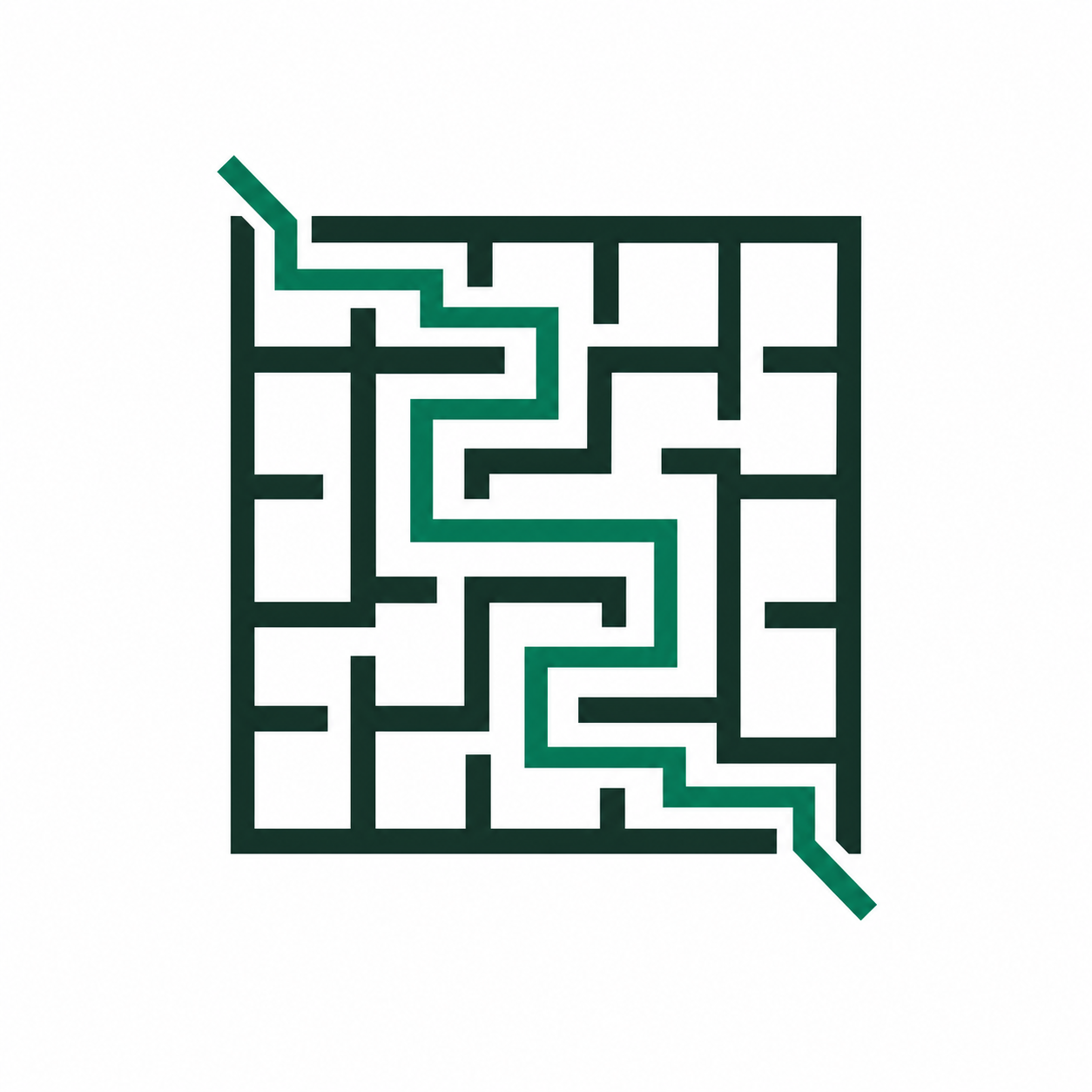
Live maze preview
See the maze density and page balance before you use paper, so the worksheet is readable the first time it reaches the printer.
Printable maze studio
Make a fresh printable maze in seconds. Choose the challenge, theme, and paper size, check the live page, then print or download the exact worksheet your class, family, or puzzle break needs.
A printable maze generator gives you a clean worksheet without settling for the same path every time. Use it when a lesson needs another version, a family activity needs the right level, or a puzzle book layout needs a page size that a generic printable cannot provide.
MazePrint keeps the useful choices in one place: difficulty for the solver, a theme for the setting, paper size for the printer, and a preview that shows the final page before you use it. The finished maze is built for paper first, with download formats ready when you need to save it instead.
Everything in the generator is organized around a readable worksheet and a dependable path to print or download, whether the final page is for a classroom, a travel folder, or a quiet moment at home.
See the maze density and page balance before you use paper, so the worksheet is readable the first time it reaches the printer.
Choose a gentle start, a longer challenge, or a visual theme that fits a lesson, family activity, or puzzle break.
Match the maze to a home printer, classroom copier, or a book-ready layout instead of adapting a browser screenshot.
Show the solution for a teacher or checking copy, then hide it for an independent maze worksheet.
Print one finished page now or save the clean format that fits a handout, digital worksheet, or activity packet.
These presets configure the generator around a real activity. Change anything, generate a new path, or print the page as-is.
Use a prepared page when you need a maze immediately. The generator above remains the best route when the challenge or layout needs to be yours.
Keep the process short: make the worksheet, check the page, then send it where it needs to go.
Choose a difficulty, visual theme, and page size. Generate again whenever you need a fresh path for another student, activity, or puzzle break.
Use the live preview to make sure the maze is readable and the page fits the paper already in your printer.
Print the worksheet right away or keep a PDF, SVG, PNG, or batch ZIP for class packets, a puzzle shelf, or another day.
Use the controls that affect the finished worksheet first. The goal is a maze that suits the solver and works cleanly on the paper you already have.
Easy and medium grids work well for younger children and short warm-ups. Hard and expert settings add more turns and dead ends for older kids, teens, and adults.
Letter and A4 cover most homes and classrooms. KDP 6x9 and 8x10 give book creators a practical starting layout without rebuilding the puzzle from scratch.
Show the answer key for a teacher copy or guided activity. Leave it off when the maze is meant for independent practice or an uninterrupted puzzle challenge.
Every export starts with the same maze. Choose the format based on whether the next step is printing, resizing, sharing an image, or assembling a short activity pack.
Choose PDF when the next step is printing one finished page or sharing a layout that should stay together.
Choose SVG when the maze needs to stay sharp at different sizes or move into another document or layout tool.
Choose PNG for an image that can be placed in a digital worksheet, family message, or learning platform before it is printed.
Choose a ZIP when several PNG maze pages and answers need to stay together for a class packet or a longer activity.
Yes. You can create, print, and download mazes without signing up.
Yes. The generator supports both Letter and A4 so the same page works in home and classroom settings.
Yes. The generator exports SVG, PNG, PDF, and multi-page PNG ZIP files. Ready-to-print maze pages also offer direct PDF and SVG downloads.
Yes. Use the ZIP download when you need a small batch of PNG maze pages for a packet, a class activity, or a longer puzzle session.
Yes. Turn on the answer key for guided practice, checking, or a teacher copy, then turn it off for a student worksheet.
Yes. Choose KDP 6x9 or 8x10 when you are preparing maze pages for a compatible book layout, then inspect the live preview before downloading.
Choose a route when you already know the audience, paper format, or type of printable you need.