1. Start from an easier preset
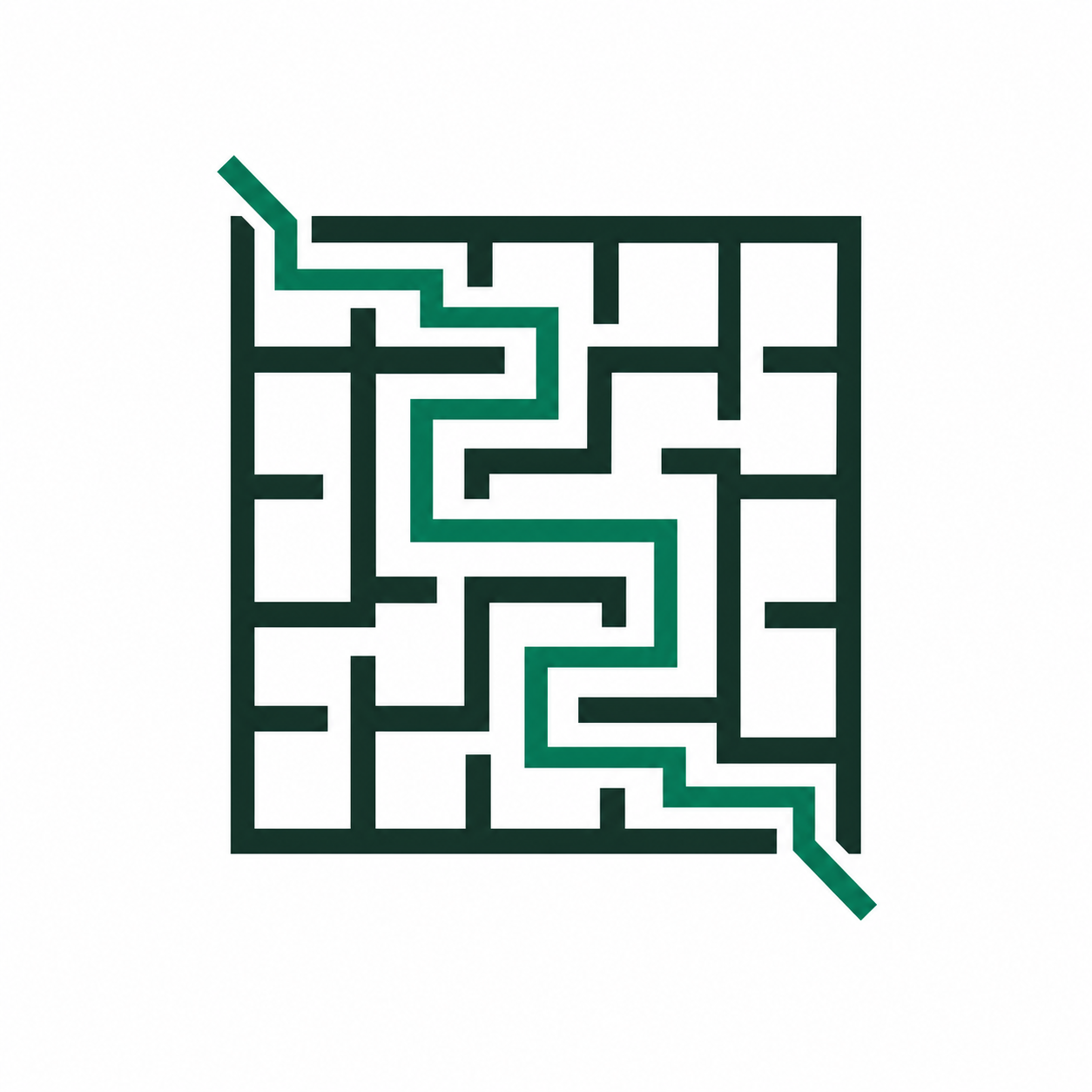
Open the kids route or use an easy 10x10 maze first. Younger solvers benefit more from clear wins than from cramming the page with paths.
Kids setup
Kid-friendly maze pages work best when the default is simple, the page is easy to scan, and the adult can decide whether the answer key should stay visible. The goal is not maximum complexity. It is a clear, printable worksheet that feels encouraging from the first glance.
Open the kids route or use an easy 10x10 maze first. Younger solvers benefit more from clear wins than from cramming the page with paths.
Leave enough margin, avoid over-dense grids, and keep the route readable when the page is printed in grayscale or on a basic school printer.
For teaching or independent work, keep the solution hidden. For guided practice, print a version with the answer key available for adults.